
KeepClean7.9.2 - Google Play
You'll be able to see results in few seconds.
Publisher Description
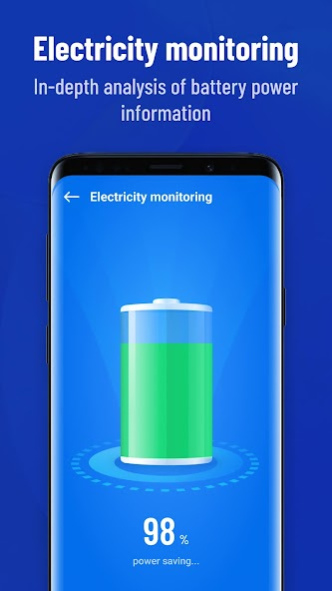
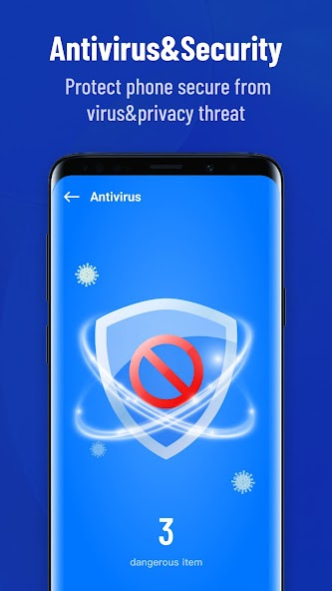
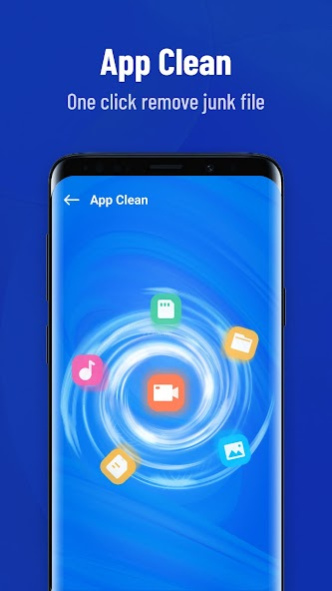
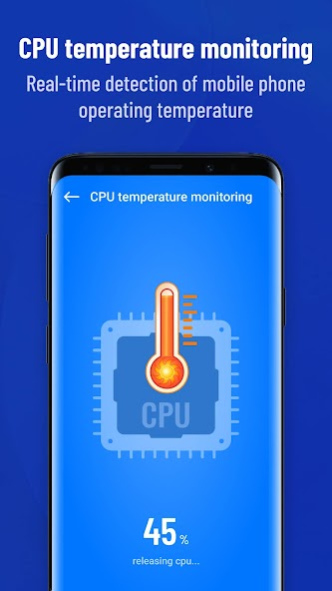
KeepClean is a trustworthy software for Cleaning Junk Files and Scanning Viruses.
Why is KeepClean a must-have application for Android?
🌟Junk Clean - KeepClean can help you delete useless large files and application caches, and help you declutter your mobile phone storage space.
🌟Virus clean - KeepClean can protect your device from malware, vulnerabilities, adware and viruses!
🆑
Garb cleaning
: KeepClean accurately analyzes the cache and junk files of the application. declutter the junk files of applications and systems with one click to free up storage space.
🛡️
Security protection
: KeepClean will block viruses and dangerous applications and provide you with real-time protection! Protect your device from any virus threat when you use it with a powerful and free virus removal program.
✉️
Application clean
: KeepClean will help you quickly and effectively manage files and folders on your Phone card and easily control applications. Delete unused applications to save more mobile phone storage space.
KeepClean Notes:
Personal data such as username or email address will not be processed.
According to the privacy and cookie policy, all information will remain secure and will not be shared with third parties.
About KeepClean
The company that develops KeepClean is APPS INNOVA. The latest version released by its developer is 7.9.2.
To install KeepClean on your Android device, just click the green Continue To App button above to start the installation process. The app is listed on our website since 2023-08-29 and was downloaded 0 times. We have already checked if the download link is safe, however for your own protection we recommend that you scan the downloaded app with your antivirus. Your antivirus may detect the KeepClean as malware as malware if the download link to com.appsinnova.android.keepclean is broken.
How to install KeepClean on your Android device:
- Click on the Continue To App button on our website. This will redirect you to Google Play.
- Once the KeepClean is shown in the Google Play listing of your Android device, you can start its download and installation. Tap on the Install button located below the search bar and to the right of the app icon.
- A pop-up window with the permissions required by KeepClean will be shown. Click on Accept to continue the process.
- KeepClean will be downloaded onto your device, displaying a progress. Once the download completes, the installation will start and you'll get a notification after the installation is finished.
Program Details
System requirements
Download information
Pricing
Version History
version 7.9.2
posted on 2023-08-29
version 7.5.0
posted on 2023-03-17
1. Fixed known issues and improved product stability.
version 5.0.1
posted on 2021-09-02
1. New interface design
2. Optimized KeepClean to occupy less device storage.
3. Upgraded Clean Up feature to resolve the game data deletion issue.
4. Upgraded Speed Up feature to increase device performance.
5. Optimized notifications to ensure uninterrupted gameplay.
6. New languages: Urdu, Hebrew, Ukrainian, Dutch, Hungarian, Greek, Romanian, Czech, Punjabi (Gurmukhi), and Punjabi (Arabic).
version 2.3.1
posted on 2020-07-11
Updates:
1. Enhanced game performance-related functions for smoother gameplay.
2. New user interface for better user experience.
3. Advanced guide for minimum disruption.
4. Resolved several technical and usability issues.
version 2.2.12
posted on 2020-07-02
What's New:
1. Added Deep Clean function for users to free up more storage space on their devices.
2. New battery optimization and management function to protect the battery health of devices.
3. Upgraded notification cleaning function with new feature to ensure users will not miss out on important notifications.
4. Optimized functions and improved user experience.
version 2.0.3
posted on 2020-04-24
What‘s New
1.Added Information Protection function to protect the privacy of social media apps.
2.New streamlined flow for key features on main page to improve user experience
3. Optimized the Auto Cleanup function to scan for junk files more accurately.
4. Optimized existing functions and improved user experience.
Disclaimer
Official Google Play Link
We do not host KeepClean on our servers. We did not scan it for viruses, adware, spyware or other type of malware. This app is hosted by Google and passed their terms and conditions to be listed there. We recommend caution when installing it.
The Google Play link for KeepClean is provided to you by apps112.com without any warranties, representations or guarantees of any kind, so access it at your own risk.
If you have questions regarding this particular app contact the publisher directly. For questions about the functionalities of apps112.com contact us.
